
Quick Summary
- Automated pricing tools collect competitor and market prices, apply the rules you set, and update your prices for you, far faster than any manual check.
- They come in five main types: marketplace repricers, rule-based price comparison software, competitor price tracking software, dynamic pricing platforms, and managed price data services.
- Costs vary by model: per SKU, per competitor, flat tiers, a share of revenue, or free built-in marketplace repricers.
- Judge any tool by its data: competitor coverage, product matching accuracy, data freshness, and whether it captures shipping, fees, and stock.
- Xwiz Analytics supplies the accurate competitor price data that feeds your pricing tool; it does not change your prices for you.
On Amazon and large retailer sites, prices can change many times a week, and sometimes many times a day. No team can track that by hand across hundreds of products and a dozen competitors. That is the job of automated pricing tools: software that watches competitor and market prices, applies the rules you set, and updates your own prices automatically. This guide is a neutral buyer's walk-through. You will see the main types, how they work, what they cost, a clear checklist of what to look for, the mistakes that trip teams up, and where these tools get the competitor data that makes or breaks every decision.
What Are Automated Pricing Tools?
Automated pricing tools are software that collect competitor and market prices, apply rules or algorithms you set, and update your own prices automatically. They range from simple marketplace repricers to price comparison software and AI pricing platforms that use demand, stock, and margin data.
Marketplace sellers, retailers, and brands all use them, and the difference from manual price checks is speed and scale. A person can review a handful of products a day; a tool can check thousands of listings across many competitors and act on the results within minutes. That shift from occasional spot checks to steady, rule-driven updates is the whole point of pricing automation.
How Automated Pricing Tools Work
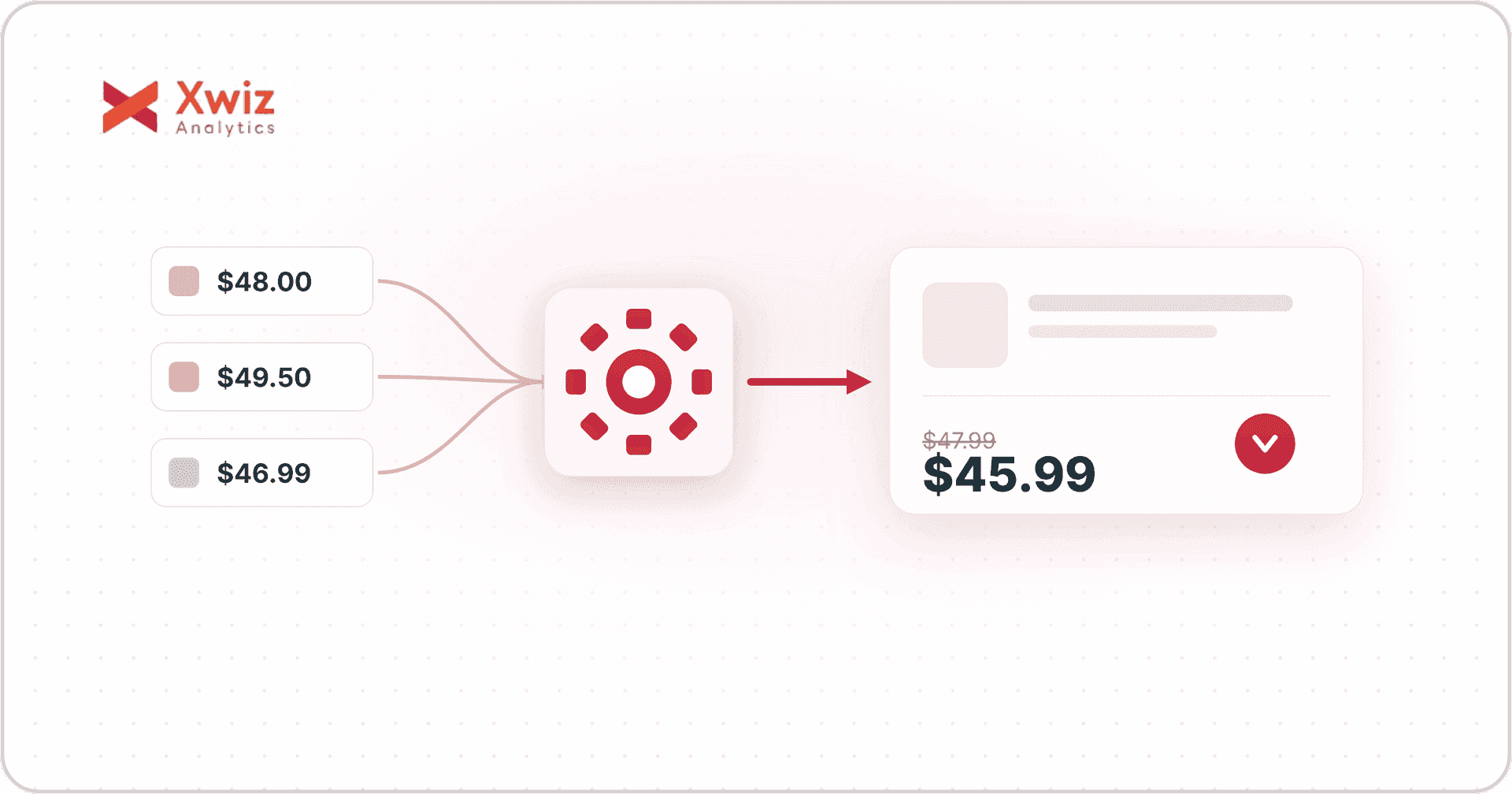
Every automated pricing tool runs the same four-stage loop: collect prices, match products, decide a price, and update it. The quality of each stage, especially the first two, decides whether the final price is right.
Collect
The tool gathers competitor prices along with stock status, shipping, and promotions from the sites and marketplaces you care about. Broad, current coverage here is what every later step depends on.
Match
It matches the same product across sites using identifiers like UPC, model number, size, and variant. Accurate product matching is what stops the tool from comparing your item to the wrong pack size or a different model.
Decide
It applies your price rules or an algorithm, for example "stay one dollar below the lowest competitor, but never below my floor." This is where floors, ceilings, margin guards, and MAP limits keep the automation inside safe boundaries.
Update
It pushes the new price to your store or marketplace and logs the change. A good tool keeps a full history so you can see what changed, when, and why.
Those guardrails deserve a closer look. A floor is the lowest price you will allow, a ceiling is the highest, a margin guard protects your profit, and a MAP limit keeps advertised prices at or above a brand's minimum. Together they let these product pricing tools act quickly without racing your prices into the ground.
Example (Sample data): a mid-size coffee brand set up a repricer that matched its 12-ounce bag to a competitor's 32-ounce bag of the same blend. The tool saw a far lower price on the other listing and cut the brand's price by a third to compete. The two products were never comparable. A simple pack-size check during product matching would have caught the mismatch before a single wrong price ever went live.
Types of Automated Pricing Tools
There is no single kind of automated pricing tool. There are five broad types, and the right one depends on your channel, how much control you want, and whether you want the tool to change prices or just tell you what is happening.
Marketplace Repricers
A repricer adjusts your marketplace price to help you win or hold the Buy Box, usually within one marketplace. Built-in options include Amazon Automate Pricing and the Walmart Marketplace Repricer. Best for: marketplace sellers who compete on the Buy Box and want fast, automatic changes on one platform.
Rule-Based Price Comparison Software
This type applies competitive price rules across your own site and your competitors, so your prices follow a consistent policy rather than ad-hoc edits. You set the logic, and the tool enforces it everywhere. Best for: direct-to-consumer and multi-channel retailers who want one clear rule set across channels.
Competitor Price Tracking Software
Competitor price tracking software monitors competitor prices and sends alerts, but it does not change your prices for you. You keep full control and act on the signals yourself. A competitor price tracking tool is a safe starting point when you want visibility before you trust automation. Best for: pricing analysts and brands that want insight without automatic edits.
Dynamic Pricing and AI Price Optimization Platforms
These platforms set prices from demand, elasticity, and inventory rather than from competitor prices alone, often using machine learning for price optimization. If you want the background on this approach, see our guide to dynamic pricing. Best for: larger retailers with the data and volume to tune a model.
Managed Price Data Services
A managed service collects and matches competitor prices for you and feeds them to your pricing tool or business intelligence stack. It does not reprice; it supplies the clean data layer the rest of the stack runs on. Best for: teams that already have a pricing tool but need accurate, well-matched competitor data behind it.
| Type | What It Does | Changes Prices? | Best For | Typical Users |
|---|---|---|---|---|
| Marketplace repricer | Adjusts your price toward the Buy Box | Yes, automatically | Winning the Buy Box on one marketplace | Amazon and Walmart sellers |
| Rule-based price comparison software | Applies your price rules across channels | Yes | Consistent rules across your site and competitors | DTC and multi-channel retailers |
| Competitor price tracking software | Monitors prices and sends alerts | No, alerts only | Visibility without automatic changes | Pricing analysts, cautious brands |
| Dynamic pricing / AI optimization | Sets prices from demand and stock | Yes | Margin and demand optimization at scale | Enterprise retailers |
| Managed price data service | Collects and matches competitor prices | No, supplies data | An accurate data layer for any tool | Teams keeping their own pricing tool |
Price Comparison Software: What It Should Compare
Good price comparison software compares the real, delivered price of the same product, not just the headline number on a page. A fair competitor price comparison only works when you are comparing like for like.
That means matching the same product and variant, pack size, and condition, whether new or used, then accounting for seller type, shipping, taxes, coupons, member prices, stock status, and even location or ZIP. Miss any of these and your "cheapest competitor" may not be cheapest at all. The example below shows why.
Sample data| Seller | Headline price | Shipping | Delivered price |
|---|---|---|---|
| Seller A | $48.00 | $6.99 | $54.99 |
| Seller B | $49.50 | Free | $49.50 |
| Seller C | $46.99 | $8.99 | $55.98 |
| Seller D | $51.00 | Free | $51.00 |
Seller C has the lowest headline price at $46.99, so a shallow comparison pricing tool would match against it. But once shipping is added, Seller B is the cheapest delivered at $49.50. A tool that only reads headline prices would set your price too low and still lose on the delivered number. That gap is why competitive price comparison has to include the full cost to the customer.
Who Needs Automated Pricing Tools?
If your prices need to respond to competitors or demand across more than a handful of products, you need some form of pricing automation. The right setup differs by business model.
- Marketplace sellers: automate Buy Box repricing on Amazon, Walmart, and eBay. Watch fees and your floor, not just the lowest competitor, so a won Buy Box still earns margin.
- DTC brands: automate price matching and promotions on their own store. They should watch MAP and channel conflict, not only the lowest price on the market.
- Multi-channel retailers: use retail product pricing software to keep prices consistent across their website, marketplaces, and stores. They watch coverage across every channel so one platform does not drift.
- B2B distributors: automate contract and volume pricing across large catalogs. They watch customer-specific terms and margin bands rather than public competitor prices alone.
Across all four, the pattern holds: automate the repetitive price moves, but keep a human watching the rules and the guardrails.
Software Pricing Comparison 2026: What Automated Pricing Tools Cost
Automated pricing tools are priced in several different ways, and the model matters more than any single sticker number. A software pricing comparison 2026 should start with how you are charged, because that is what drives your real cost as you grow.
| Pricing model | How it is charged | Watch out for |
|---|---|---|
| Per SKU or product tracked | A fee for each product you monitor | Costs climb fast as your catalog grows |
| Per competitor or site | A fee for each competitor source added | Adding the sites that matter gets expensive |
| Flat monthly tier | A set price for a usage band | Overage charges when you exceed the band |
| Percentage of revenue or GMV | A share of the sales the tool touches | Your cost rises even when the tool adds little |
| Enterprise annual contract | A negotiated yearly license | Long lock-in; confirm what data and support are included |
| Free built-in marketplace repricer | Included with your marketplace account | Limited to that one marketplace and its data |
The sticker price is rarely the full cost. Budget for setup, product matching, adding extra sites, how often prices are refreshed, API or export limits, and the team time to run it all. Two tools with the same monthly fee can cost very different amounts once these are included, so compare the total, not the headline tier.
10 Things to Look For in Automated Pricing Tools
Use this checklist to compare tools on what actually drives good prices. Most of it comes down to data quality and control, not flashy features.
- Competitor coverage. Confirm the tool tracks all the sites and marketplaces that matter to you, including the harder ones, not just the easy sources.
- Product matching accuracy. Check how it matches products by UPC, model, size, and variant, and how it handles items with no clean identifier.
- Data freshness. Ask how often prices are checked. Fast-moving categories may need several checks a day; slower catalogs can refresh daily.
- Full price capture. Make sure it captures shipping, coupons, member prices, taxes, and stock status, so you compare delivered prices, not just headlines.
- Rule flexibility. Look for floors, ceilings, margin guards, and MAP limits, plus the ability to set different rules by product or channel.
- Integrations. Confirm it connects to your stack: Shopify, Amazon, Walmart, your ERP, and your BI or reporting tools.
- Price history and audit log. You should be able to see every price change, when it happened, and which rule or data point triggered it.
- Alerts for big moves and violations. The tool should flag sharp competitor swings, stockouts, and MAP or policy breaches before they cost you.
- Data quality checks and support. Sites change their layouts often; ask how the vendor catches broken data and how fast they fix it.
- Total cost and contract terms. Weigh the full cost, including hidden fees, against lock-in, data ownership, and what happens if you leave.
One rule ties the list together: if the data is wrong, the automation just makes wrong decisions faster. Coverage and matching matter more than any single feature.
Common Mistakes With Automated Pricing
Most pricing automation failures are not software bugs; they are setup and data problems. These are the ones that cost the most.
- Racing to the bottom. An "always lowest" rule with no floor drags your whole category down and trains competitors to follow.
- Matching the wrong product or pack size. Comparing a single unit to a multi-pack, or one model to a similar one, produces confident but wrong prices.
- Ignoring shipping and fees. A low headline price can still be the most expensive delivered, and a repricer that misses fees can win a sale at a loss.
- Breaking MAP or channel agreements. Automation that dips below a brand's minimum advertised price can trigger penalties and channel conflict.
- No floor price. Without a margin guard, a bad data point or an aggressive competitor can push you below cost.
- Stale competitor data. Prices that were checked days ago lead to moves that are already out of date the moment they publish.
Where Automated Pricing Tools Get Their Data
Automated pricing tools are only as good as the competitor data behind them, and that data comes from a few sources. Most tools pull from competitor websites and marketplaces, from feeds or APIs where a platform offers them, and from managed data providers that handle collection and matching.
That is why many teams keep their own pricing tool but hand the data layer to a managed service. A provider can cover the hard sites, do the price comparison scraping and product matching for you, run quality checks when sites change, and deliver clean results to your tool through an API, a CSV, or your BI stack. That keeps your pricing logic in-house while the data stays accurate.
Xwiz Analytics fills exactly this role. Xwiz collects and matches publicly available competitor price data, including shipping and stock, and delivers it ready for your pricing tool or spreadsheet. It is a data provider built on ecommerce data scraping, not a repricing tool, so it never changes your prices for you. It uses only publicly available data and avoids private or personal information entirely.
Automated Pricing Tools FAQs
Straight answers on automated pricing tools: how they work, what they cost, how they compare with price comparison software, and what data they need to set the right prices.
What do automated pricing tools do?
Automated pricing tools collect competitor and market prices, apply the rules or algorithm you set, and update your own prices automatically. They replace slow manual checks with steady, rule-driven changes across many products and channels, so your prices keep pace with the market.
What is the difference between a repricer and price comparison software?
A repricer automatically changes your price, usually on a marketplace, to help you win the Buy Box. Price comparison software focuses on comparing your prices against competitors, sometimes with rules and sometimes as monitoring only. A repricer acts; comparison software mainly informs.
What is the best price comparison software for retailers?
There is no single right answer; it depends on your needs. Choose based on three things: the competitor and marketplace coverage you require, your catalog size and how it is priced, and the data quality, including product matching and how often prices refresh. Match those to the tool rather than chasing a ranking.
How much do automated pricing tools cost?
It depends on the pricing model. Tools charge per SKU, per competitor site, as a flat monthly tier, as a percentage of revenue, or as an enterprise contract, and some marketplace repricers are free. Add setup, product matching, extra sites, and data refresh costs to compare the true total.
Is competitor price monitoring software the same as an automated pricing tool?
Not quite. Competitor price monitoring software tracks competitor prices and alerts you, but it does not change your prices. An automated pricing tool goes a step further and updates your prices based on rules. Monitoring is a safe first step before you turn on automatic changes.
Can automated pricing tools break MAP policies?
Yes, if they are set up without MAP limits. An aggressive "lowest price" rule can advertise below a brand's minimum advertised price and trigger penalties. Set MAP floors in the tool and feed it accurate data so advertised prices stay compliant across channels.
Conclusion
Start by picking the tool type that fits your channel, whether that is a marketplace repricer, rule-based price comparison software, or a full dynamic pricing platform. Then judge any tool by the thing that decides every price it sets: how well it covers your competitors and how accurately it matches products. Begin with a small product set, confirm the data is right, and measure the result before you scale. When you are ready to give your pricing tool a reliable data foundation, Xwiz's team is a message away.
Give Your Pricing Tool Better Data
Let Xwiz's data experts send a free sample of matched competitor prices, shipping, and stock for your products and channels.
Get a Free Competitor Price Sample →